



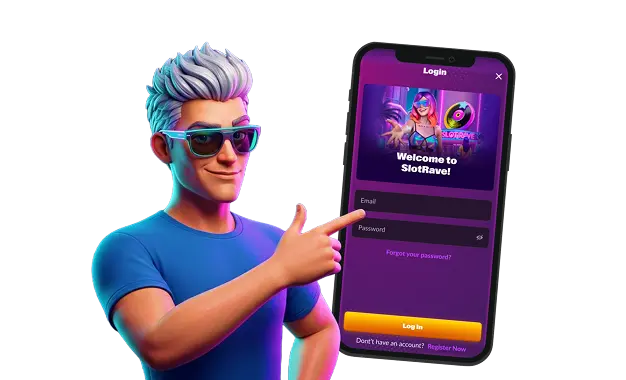
Slotrave keeps access simple: one account, one wallet, and the same sign-in flow across desktop and mobile. Registration is a guided sequence that collects the essentials up front—personal details, contact information, and account settings—so verification and payouts can run smoothly later.
Immediately after sign-up, confirmation messages and account verification help ensure the profile is locked to the real owner.
Logging in is built for speed without sacrificing safety. A standard email-and-password sign-in opens the lobby and cashier in seconds, while password managers and device shortcuts make repeat access feel effortless.
Registration Process Breakdown
The Slotrave registration process takes only a few minutes, but accuracy matters more than speed. Enter details that match official documents, and maintain consistent spelling throughout the account. Follow this flow:
- Open the sign-up form from the main menu.
- Add an active email address and create a strong password.
- Fill in personal details such as name, date of birth, and country.
- Choose account currency, confirm legal age, and accept the terms.
After submitting the form, confirm the account using the verification link or code sent to the registered contact address.
How to Verify Your Account
Verification is the moment the account turns from “new” into “trusted.” It verifies identity and ownership of payment methods, protecting the player’s balance and ensuring smooth withdrawal processing.
The process stays straightforward when documents are prepared properly. Upload a clear photo of an ID document, a recent proof of address, and evidence that the payment method belongs to the account holder.
How to Log In at Slotrave
The Slotrave casino login button sits in the top right corner and opens the sign-in form. Enter the registered email and password, then click “Confirm.” For safer sessions, use a password manager and log out after play on shared devices. That one habit prevents a long list of avoidable account problems.
Common Login Methods
Access depends on how credentials are entered, not on different account types. A consistent setup keeps sign-ins fast and reduces typing mistakes. Common methods include:
- Email + password: The standard option and the default for most accounts.
- Player ID or username: Useful when the email is not easy to type on mobile.
- Phone number sign-in: Where a code can be sent to confirm access quickly.
- Social sign-in: Using a linked profile, such as Google or Apple, for one-tap entry.
If two-factor authentication is available, enabling it adds a second layer that blocks password-only access.
Typical Login Problems
Login issues at Slotrave are usually caused by small mismatches or browser settings, not by anything dramatic. Spot the problem first, then apply the matching fix. Common problems include:
- Using a different email from the one used during registration.
- A wrong password caused by caps lock, extra spaces, or an old saved credential.
- VPN or proxy use that triggers extra security checks.
- A temporary lock after repeated failed attempts.
Fixes that solve most cases:
- Retype the email and password carefully, then try again.
- Disable autofill temporarily and enter the credentials manually.
- Turn off VPN/proxy and try from a standard connection.
- If the account is locked, wait for the cooldown to end, then sign in with the correct details.
Questions And Answers
- Yes. One profile works across devices, so balances, verification status, and settings stay connected.
- Wait for the lock to lift, then reset the password and sign in again. Slotrave login becomes stable once credentials are saved correctly.